Proformas
A proforma is an estimate: the same document as an invoice (recipient, line items, taxes, totals, PDF) but without any of the legal weight. Nothing is numbered, nothing is reported to a tax agency, and nothing is owed. Send one when you are quoting for work that has not been agreed yet.
Creating and sending a proforma
Create a proforma exactly as you would an invoice: pick the recipient, add lines and taxes, and save. You can download its PDF and send it to your customer, or select several in the list and download them together.
Unlike invoices, proformas can be deleted, one at a time or in bulk. A quote that went nowhere does not have to stay in your records.
Turning a proforma into an invoice
When the customer accepts, open the proforma and choose Issue invoice. uninvoice.app creates the real invoice from the proforma's contents and issues it: numbering it, dating it, and reporting it where required. The proforma is then marked as promoted, with the date, so you can always see which quote became which invoice.
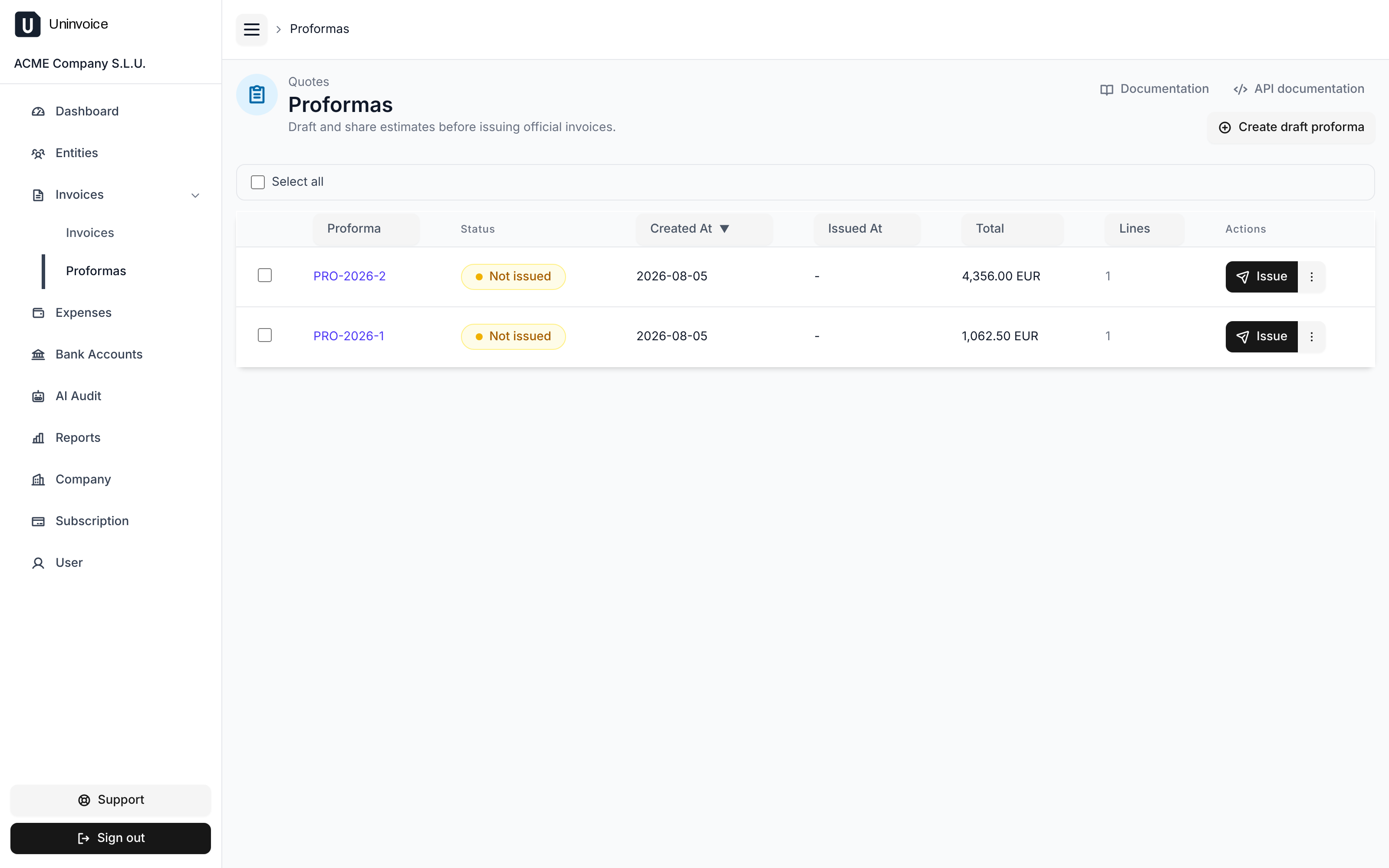
You can promote several proformas at once from the list.
Once promoted, a proforma stays in the list for reference. Proformas that were never promoted are shown as not promoted.
If you are established in Spain
Proformas can always be created, but promoting one to an invoice requires the Veri*Factu authorization to be in place, exactly as issuing an invoice does. See the Veri*Factu guide.