Expenses
An expense is money your business spent: a supplier invoice, a subscription, a train ticket. Recording them is what makes your net figures, your VAT balance, and your reports meaningful: revenue alone only tells half the story.
Recording an expense
An expense looks much like an invoice, read from the other side:
- Supplier: picked from your customers and suppliers directory.
- Date: the date it counts on, which is what reports and the dashboard use.
- Invoice reference: the supplier's own invoice number, so you can match it against their document later.
- Line items: concept, quantity, unit price.
- Taxes: including the VAT you can reclaim.
- Category and currency.
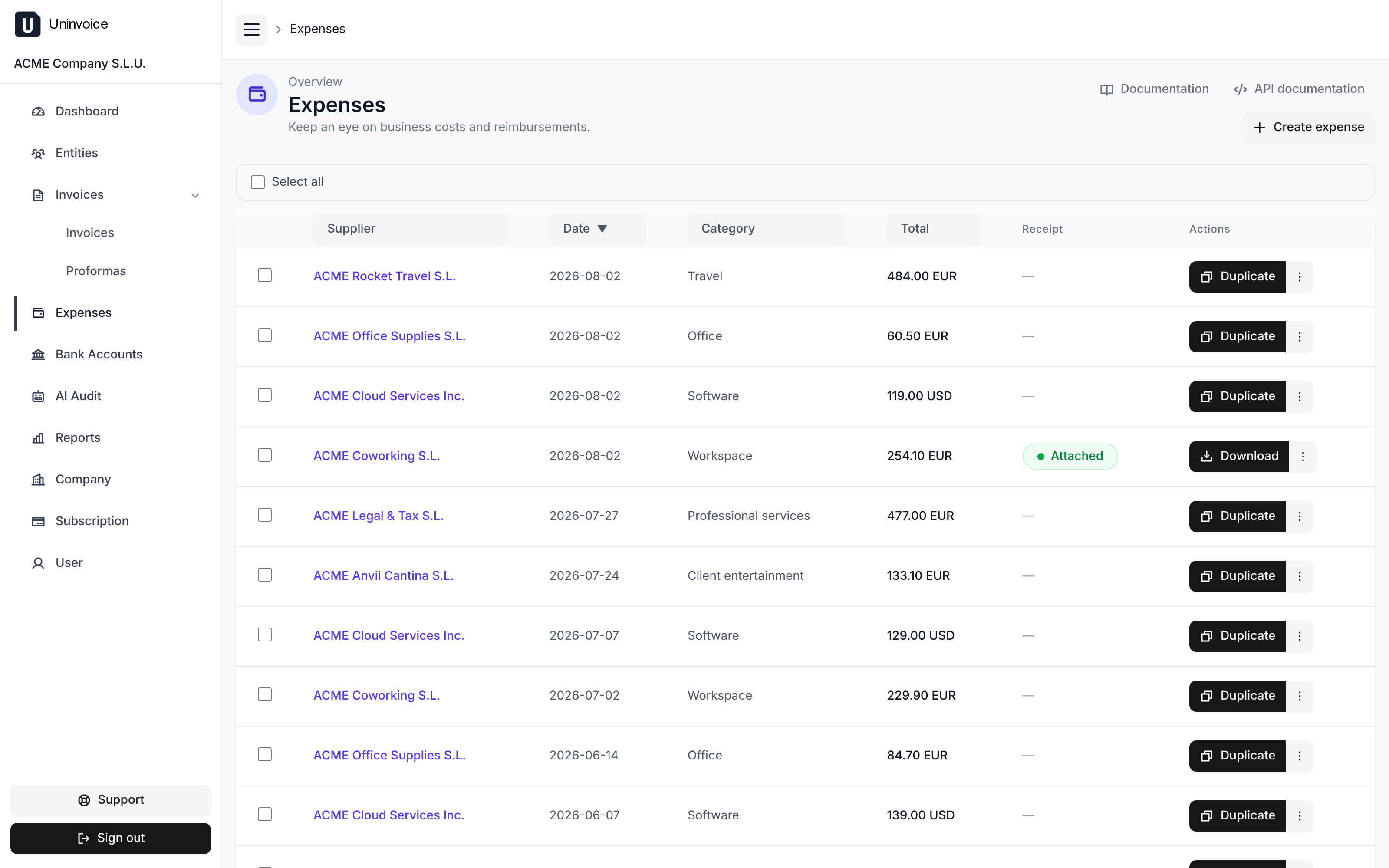
Recording the same expense every month? Open an existing one and use Duplicate to start from a copy.
Attaching a receipt
Each expense can carry its receipt: the PDF or photo of the original document. Use Attach receipt on the expense, or Replace to swap it for a better scan.
Receipts are stored privately. They travel straight between your browser and the storage bucket over a short-lived, single-purpose link, so the file is available to you and to nobody else. Downloading one works the same way.
An expense without a receipt is flagged in the list, so nothing quietly goes missing before your accountant asks for it.
Expenses can be deleted, invoices cannot
Unlike invoices, expenses are your own internal record and can be deleted, individually or several at a time from the list.
Only reclaimable VAT comes off the cost
When your reports compute a net cost, only the VAT you can actually reclaim is taken out. Non-deductible tax stays part of the cost, because that is what it really cost you.